Secure, flexible, and ready for what’s next
Keeping your team’s work secure and easy to manage shouldn’t slow you down. Dropbox brings it all together: built-in security to protect sensitive data, AI-powered search with Dash to find what you need instantly, and seamless integrations with the tools you already use.


Find what you need, when you need it
Quickly locate files, documents, or data across Dropbox and connected apps using AI-powered search. Tackle complex questions with instant AI-generated answers, so you can spend less time searching and more time focusing on your work.

Protect your content with ease
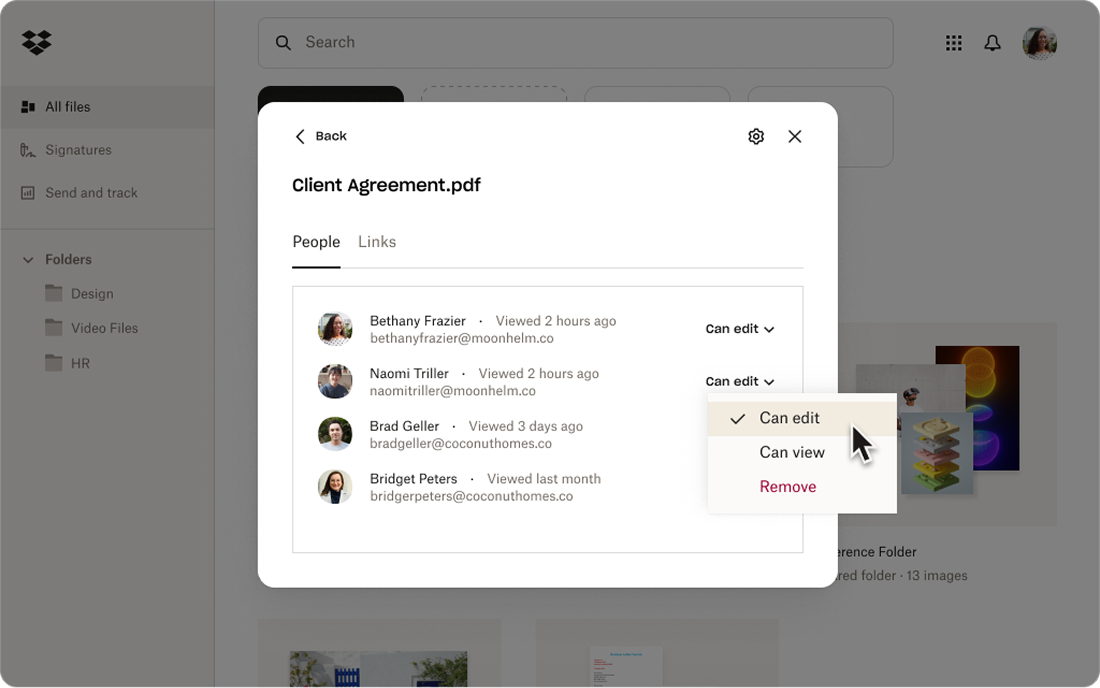
Manage access and permissions across multiple cloud apps from one interface. Update user rights in bulk and keep sensitive files secure so only authorized collaborators can view or edit your work.

Stay organized and in control
The Dash start page brings your work into one central place, helping you stay connected across teams, manage tasks, and prepare for meetings.

- Share smarter, collaborate faster
Group related files, timelines, and resources with shareable content collections called stacks. Keep teammates and external partners aligned and eliminate back-and-forth confusion.
Keep files secure wherever they go
Security was built into our design. You control access and permissions, so content gets into the right hands—and stays there.

Recover files quickly and easily
Lost something? Restore files, folders, or earlier versions instantly with multiple recovery options designed to keep work moving forward.

Control who sees your content
Password protection, link expirations, and download restrictions give you complete control over who can access your files—and for how long.

Keep your files safe—every step of the way
Dropbox protects your work with industry-leading security. Files are encrypted with 256-bit AES and SSL/TLS during transfer and safeguarded with zero-knowledge, end-to-end encryption for secure collaboration on sensitive or confidential projects.

Defend against unauthorized access
Secure your team with multi-factor authentication, real-time monitoring, and encrypted password management—all designed to keep accounts safe.


Keep sensitive data secure
Dropbox zero-knowledge, end-to-end encryption (E2EE) settings provide the most secure way to collaborate on sensitive or confidential files and folders.
“Before Dropbox, there was a lot of back and forth manual file sharing. Now with Dropbox, it's seamless. One spot collaboration is brilliant.”


Share seamlessly and simplify collaboration
Dropbox works with the tools you rely on—Microsoft, Google Workspace, Adobe, and more—to keep everything connected and running smoothly.
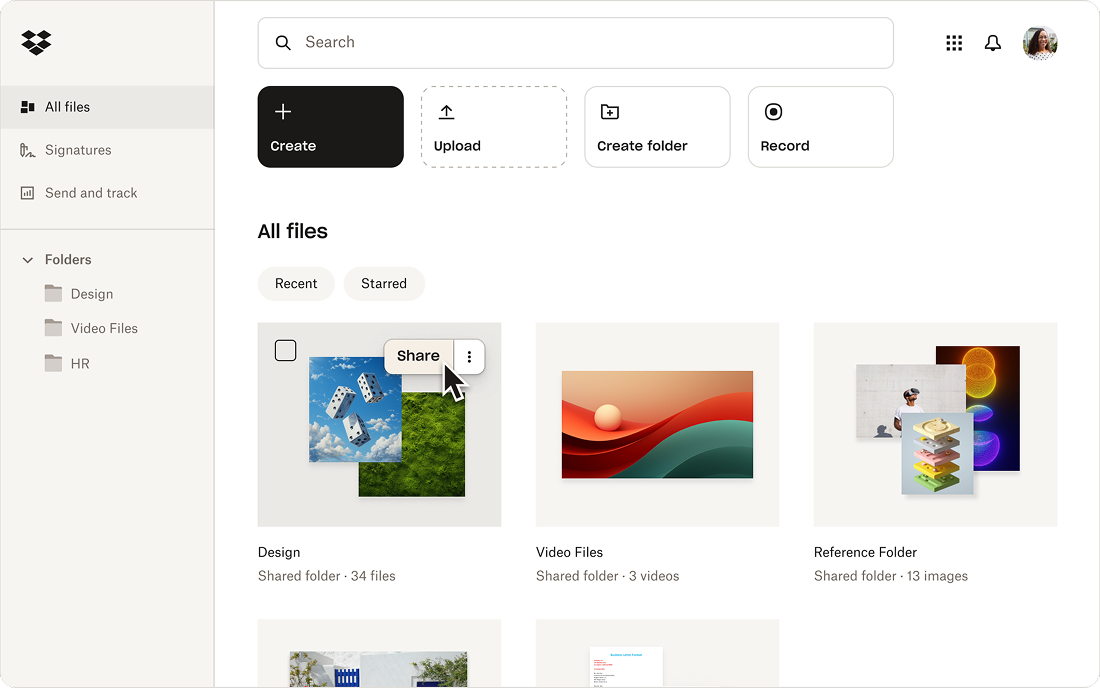
Easily share secure links with external partners and clients, even if they don’t have a Dropbox account. They can view and review files instantly—no barriers, no delays.
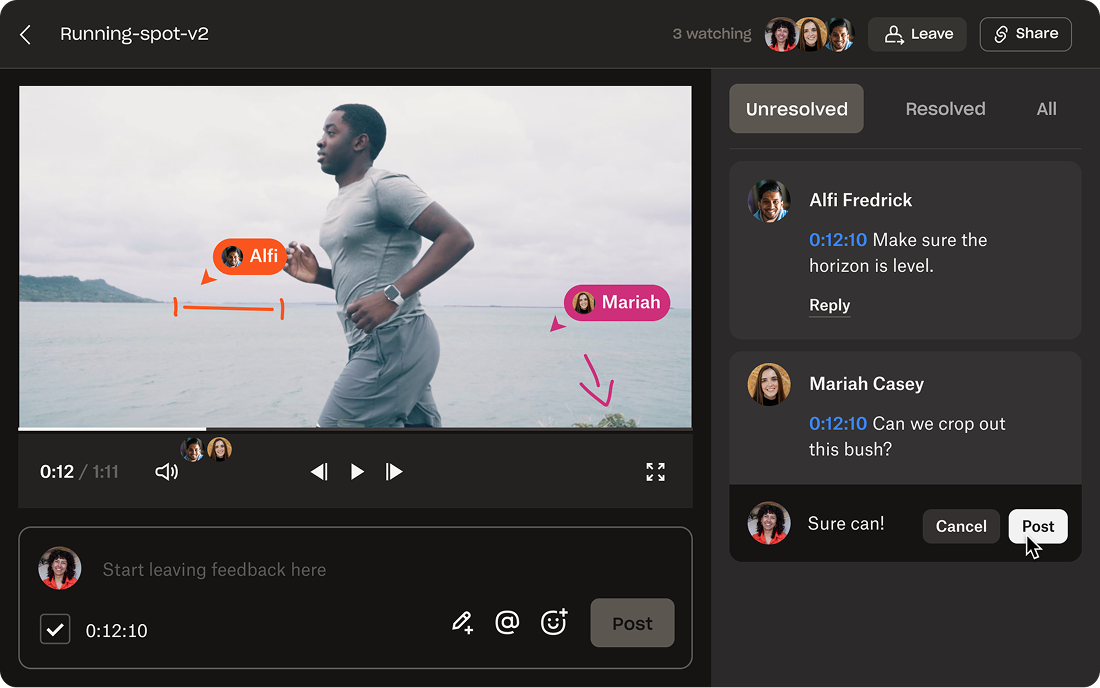
With browser-based reviews, collaborators can give frame-by-frame feedback and leave on-screen markups.
Real-time syncing keeps your projects organized. Updates to documents, plans, or timelines are instantly visible, so your team stays aligned without missing a beat.
Easily share large assets like video files, high-resolution images, or large data sets without compression or external drives.
Keep projects moving forward with your team in sync and connected to the tools you use every day—including Microsoft Teams, Google Workspace, or Adobe—without ever leaving Dropbox.
Access the latest files from any device, wherever you are. Dropbox keeps your team connected and moving forward—flexible, efficient, and always up to date.
One place for all your content, from draft to delivery
Dropbox brings everything together in a single, organized space—keeping your team in sync and your projects moving forward.
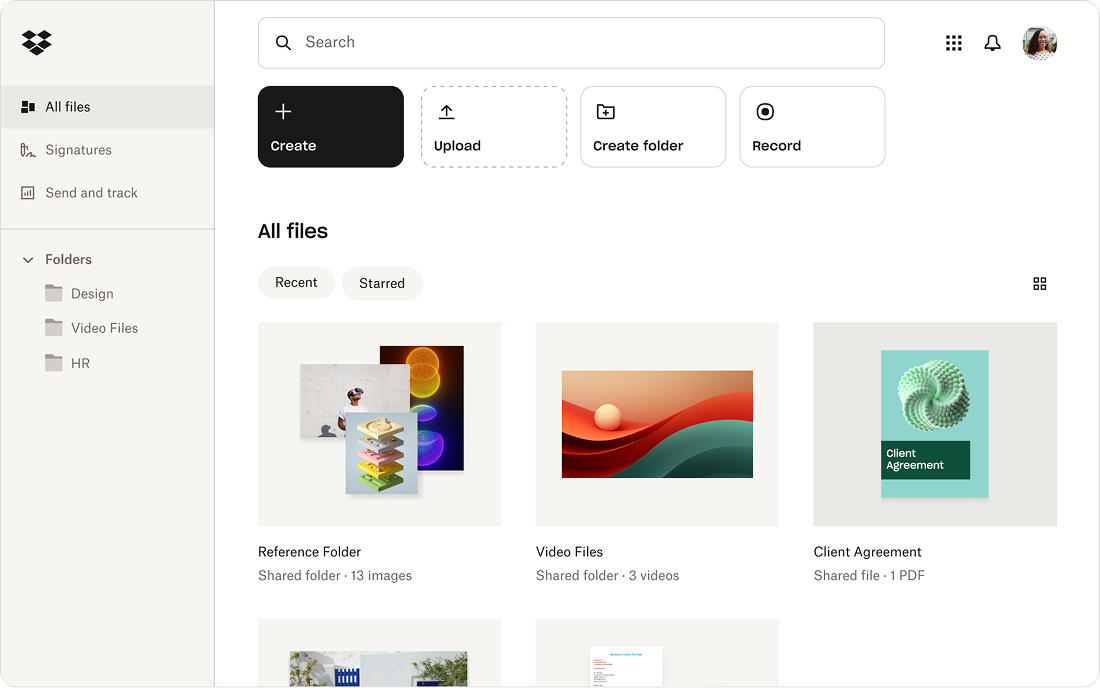
Stay on top of project updates with shared folders. Manage access, share files securely, and make it easy for collaborators to find exactly what they need, all in one place.

The days of sharing multiple versions of files as email attachments are over. With Dropbox, file changes are automatically synced for anyone who shares the file, making collaboration simple and stress-free.

Stay organized with folders that continuously categorize, sort, name, and tag files—so your team can spend less time searching for content, and more time perfecting their work.
Access your files and photos wherever and whenever you need them—on desktop, mobile, or web.

Dropbox is a standout leader on G2


