Cloud storage you can count on
1B+
mobile app downloads
with Editors’ Choice Awards from the Google Play and Apple App Store.
500K+
teams globally
use Dropbox to share work, safeguard content, and grow their business.
4.5B
connections and counting
created through Dropbox file sharing.
Find the Dropbox plan for you
For teams and professionals
Standard
- For 1 person or more
- Starts at 3 TB for the team
- Stay connected across all devices
- 180 days to restore deleted files
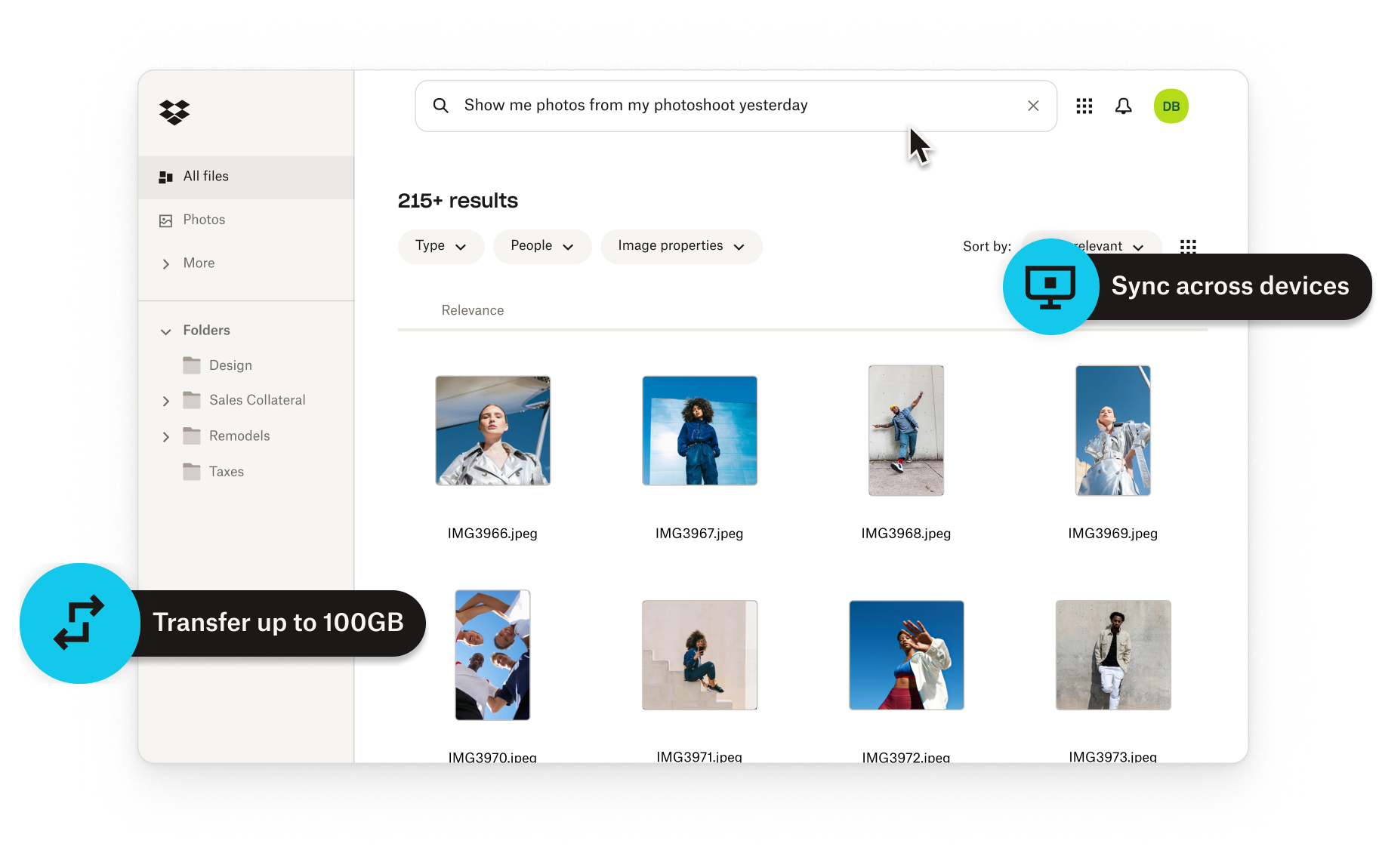
- Transfer files up to 100 GB
- Integrate with leading AI tools


- Edit PDFs and get signatures
- Brand your files to share
- Password protect files
- Get team folders for organization
- Manage team sharing
- Create groups and roles
- Admin control
For companies
Advanced
- For 3 people or more
- Starts at 15 TB for the team
- Stay connected across all devices
- 1 year to restore deleted files
- Transfer files up to 100 GB
- Integrate with leading AI tools
- Edit PDFs and get signatures
- Brand your files to share
- Password protect files
- Get team folders for organization
- Manage team sharing
- Create groups and roles
- Tiered-admin management
- End-to-end encryption
- Advanced key management
- Compliance tracking
- Single sign-on


Sync photos across devices and platforms
With Dropbox, your photos are easily accessible anywhere, anytime. Save a photo to the Dropbox folder on your computer, and it synchronizes automatically to your mobile device. Cloud file sync is available on multiple platforms, from Windows and Mac to mobile devices via the Dropbox app—so you always have what you need, no matter where you are.
Shared folders keep everyone on the same page
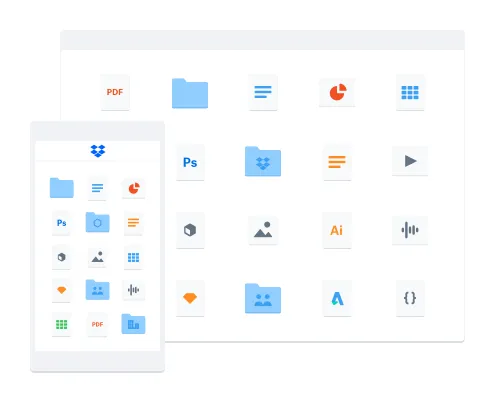
Invite project teams to a shared folder and everyone will have the most current versions of important files. Updates are automatic and lightning fast—even for large files—thanks to our best-in-class sync.


Boost productivity with the app that works the way you do
With support for virtually any device, operating system and platform, plus 300,000+ app integrations, Dropbox helps your team do more with the tools they already love.


Maisie Ho, Figma
"Over the last year, our teams have steadily adopted Dropbox Paper to document processes and enhance content collaboration across departments."

Harry White, Future Classic
"Dropbox was a natural solution for us because it becomes a logical workflow for how our artists already work."

Jieun Lee, Gong Cha
"Dropbox offered everything we needed: high-speed file transfers, and comprehensive permission and security management."