

Secure company data across platforms
Bring together data access control for Dropbox, Google Drive, and Microsoft 365 (OneDrive and SharePoint). See scattered content and safeguard it—all from one unified surface.


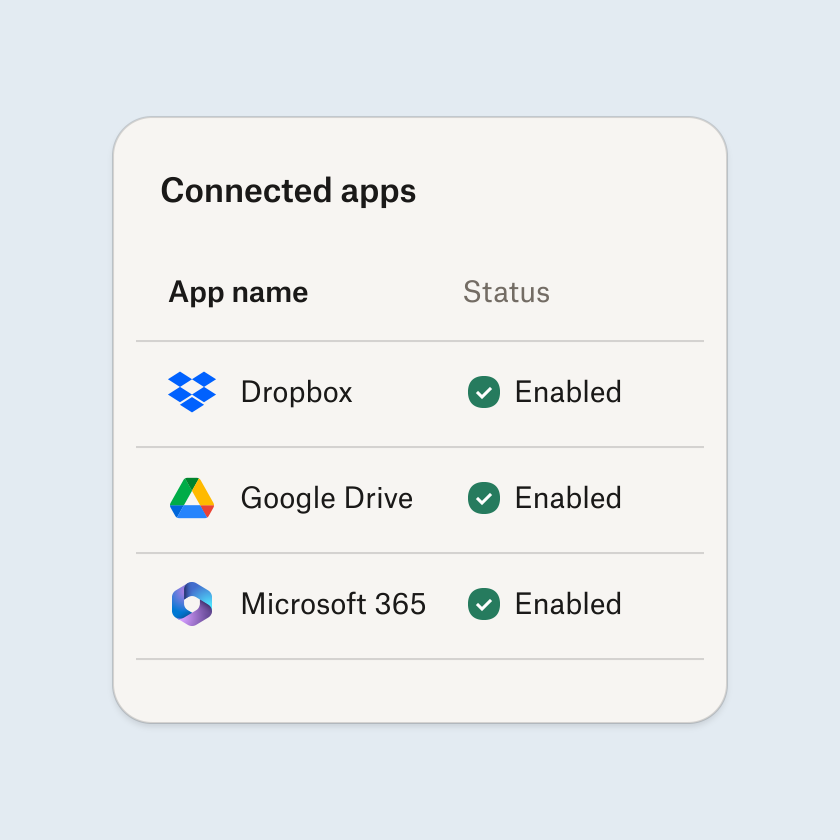
Connect your content apps
Get visibility across Dropbox, Google Drive, and Microsoft 365 (OneDrive and SharePoint) and start tracking file access in one place.
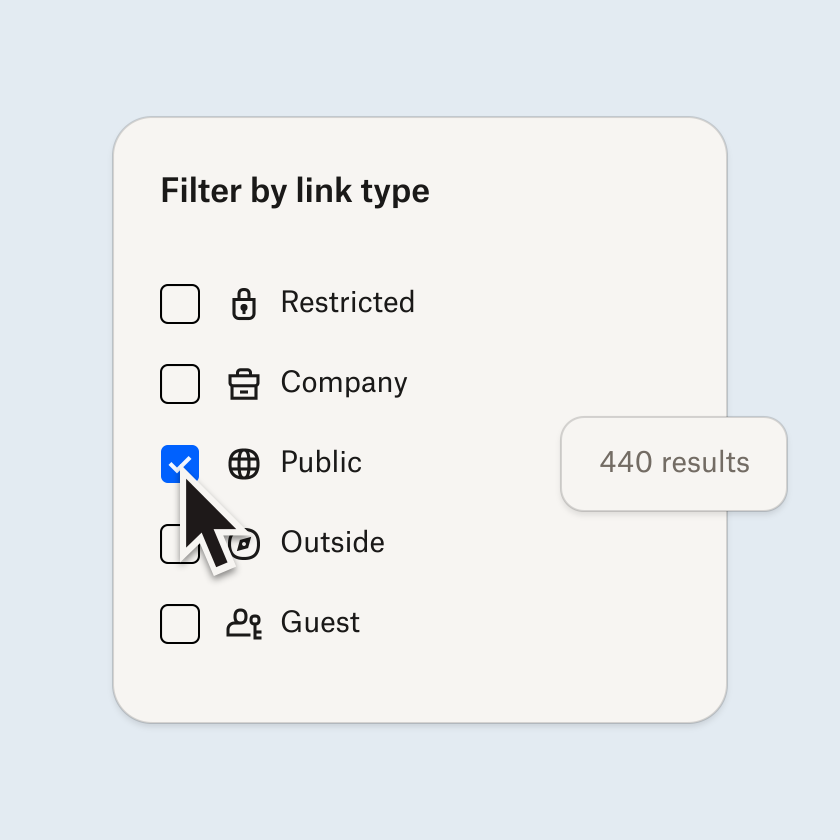
See who can view what
Identify risks by understanding which files are overshared and who owns them, so you can reach out directly to determine next steps.
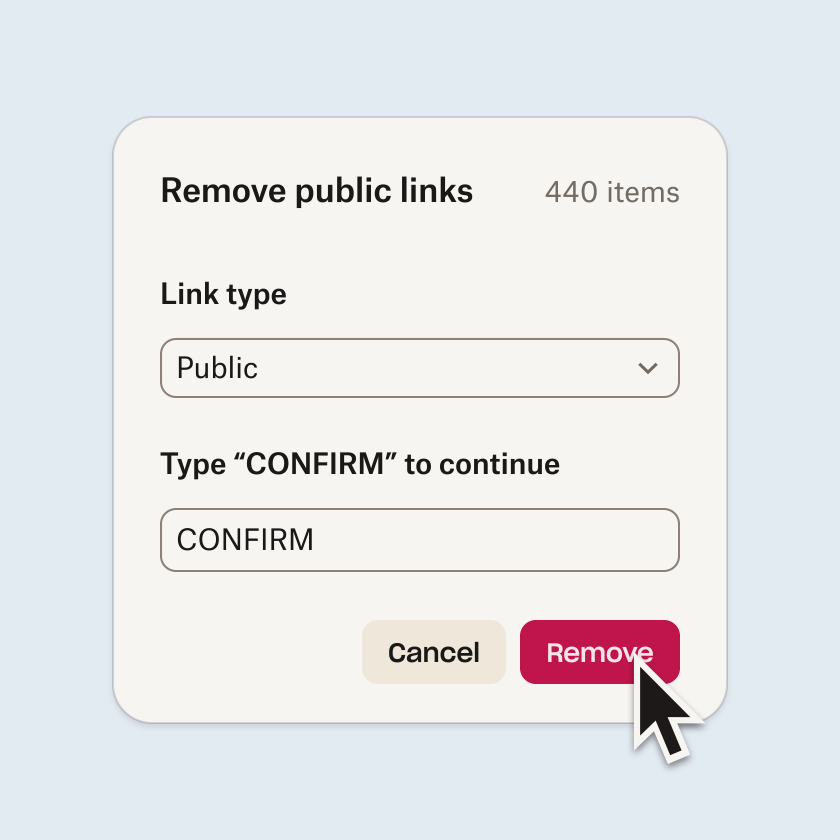
Fix access issues at scale
Use filters and reports to get the precision you need, then update permissions in bulk and remove unauthorized access.
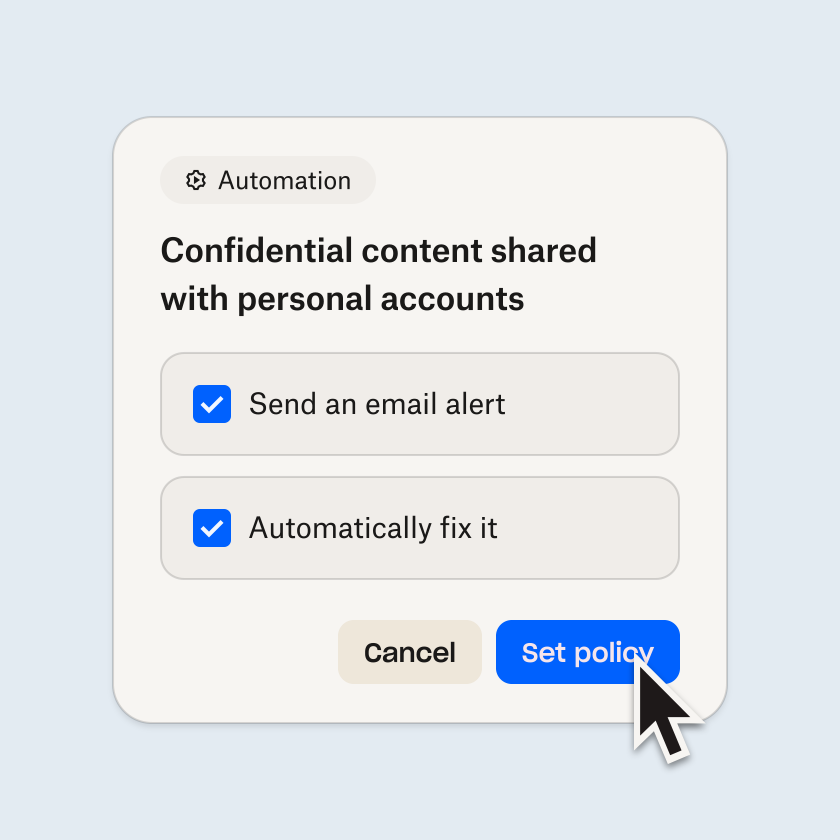
Enforce security policies
Set access policies that automatically strengthen data security and alert you when sharing violates your rules.
Without oversight, external and public links can quickly build up over time. Find files shared outside your organization or through public links, verify with owners that access is still valid, and restrict unnecessary access using bulk remediation.

Sharing content is key for collaboration, but without visibility your sensitive company data can too easily be accessed by unauthorized users. Identify content that is shared too broadly inside and outside of your company, and restrict permissions to limit who can see what.

It can be costly and damaging when people have access to company files after they’ve left, especially when in the wrong hands. Lower the risk by making sure former employees, contractors, and vendors can no longer view or interact with files by reviewing and removing access across folders and documents.

Instead of fixing access issues manually or doing one-off remediation, create policies that cater to your organization's unique data security strategy. Trigger alerts when files are shared incorrectly, or have policies take action to automatically fix the issue so you can ensure least privilege proactively.

Cut down on manual tasks and stay ahead of audits with a complete action history. Review access permission changes, prove compliance, and support evidence collection with a detailed and exportable log of all actions taken in Dropbox Protect.

When AI tools and LLMs can surface any file with a single prompt, content that's shared too broadly becomes even more risky. Dropbox Protect shows you what's overshared and helps you fix it fast, so your team can adopt AI confidently, without worrying about amplifying access risks.

Learn why teams choose Dropbox Protect

"Dropbox Protect has become an essential solution for strengthening security governance while maintaining the speed and efficiency our business depends on, even across a multi-cloud environment."
Manabu IrisaManaging Executive Officer, Yabu Doken Co., Ltd.Frequently asked questions
Teams at mid-market and enterprise organizations who manage sensitive content, share with external partners, and need visibility into file access permissions across multiple cloud platforms.
Setup is quick. Once cloud storage accounts are connected, Dropbox Protect begins scanning for access risks so teams can start identifying and fixing issues quickly.
AI tools share information at an unprecedented scale, amplifying access risks. Sensitive company content from files scanned by AI agents and LLMs can quickly be surfaced, summarized, and distributed to people who shouldn’t have access. Dropbox Protect helps you identify and lock down content before AI tools can expose it, so you can adopt AI safely without sacrificing security.
Dropbox Protect works across Dropbox, Google Drive, and Microsoft 365 (OneDrive and SharePoint). Once you connect the platforms, you can manage access across all your company’s cloud content from a single surface.
Native tools only show you one platform at a time. Dropbox Protect gives you unified visibility and control of access risks across supported content platforms, with advanced capabilities like bulk remediation, automated policies, and detailed reporting—all in one place.
Dropbox Protect is a standalone security solution that works independently or alongside other Dropbox products. If you use Dropbox for file storage and collaboration, Dropbox Protect gives you advanced data access governance controls. It also integrates with Dropbox Dash, helping you adopt AI-powered universal search and chat safely by ensuring only appropriate content is surfaced.