Dropbox × Google Gemini

Put your Dropbox content to work with Gemini

Connect Dropbox to Gemini chat and Gemini Spark to turn your trusted project context into useful research, drafts, organized workflows, and shareable materials across Google Drive.

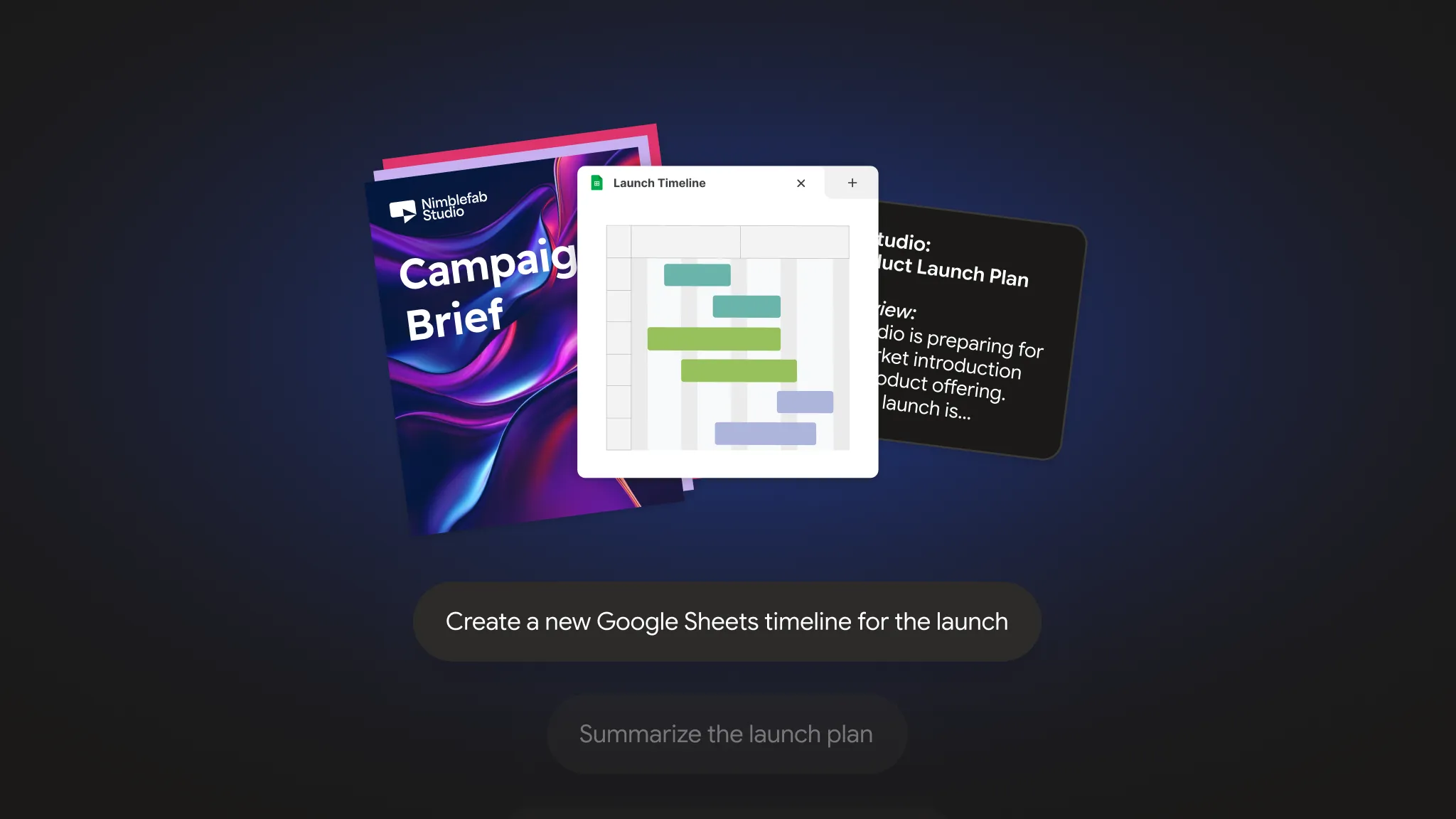
Gemini, connected to Dropbox, creates a Google Sheets timeline from a campaign brief and product launch plan.

Move from source material to meaningful output

Bring the right Dropbox information into Gemini. Then create and iterate with Gemini chat or coordinate multistep projects with Gemini Spark.

Start from trusted content

Tap into your existing Dropbox files without moving them.

Create faster in Google Drive

Shape Dropbox insights into presentations, trackers, documents, and email drafts.

Keep projects connected

Organize source files and share links so teams stay aligned.

Find the context. Create what’s next.

Ask Gemini to search through relevant Dropbox files to gather insights and use that information to draft a presentation, tracker, brief, or meeting recap in Google Drive. Your source files stay in Dropbox, and Gemini only references content you’re authorized to access.

Gemini, connected to Dropbox, creates a Google Sheets timeline from a campaign brief and product launch plan.

Turn project materials into a streamlined workflow

Use Gemini Spark to organize Dropbox files, create shareable links, and prepare deliverables for reviews, meetings, or client work. Gemini Spark can also use your Dropbox content to build supporting Google Slides, Google Sheets, and draft emails in Gmail while giving collaborators access to the original files.

Campaign assets from Dropbox are used to build a Google Slides review deck with Gemini Spark.

Frequently asked questions

Both Gemini chat and Gemini Spark can help you find, analyze, organize, and take action on your Dropbox files. Gemini chat is designed for direct, conversational requests, while Gemini Spark can plan and execute more complex, multistep workflows using your Dropbox content.

The Dropbox integration is available in Gemini chat to those in the US who have a personal Google account, including users without a paid Google AI subscription. Gemini Spark can be used by Google AI Pro and Ultra subscribers in the US.”

For this initial release, the Dropbox connected app is available only in English and through the Gemini web app at gemini.google.com. Keep Activity must be turned on for the connection to work.

No. The integration only works with files and folders you already have permission to access.

No. Gemini references files where they live in Dropbox and can use them to create new Google Drive content. It doesn’t import or synchronize the original files.

Gemini Spark carries out the workflows you request. It doesn’t continuously monitor or autonomously manage Dropbox folders in the background.

File previews aren’t currently available. But Gemini can still reference supported Dropbox content to help you research, summarize, and create.